 Built into 00
Video & Audio Editor
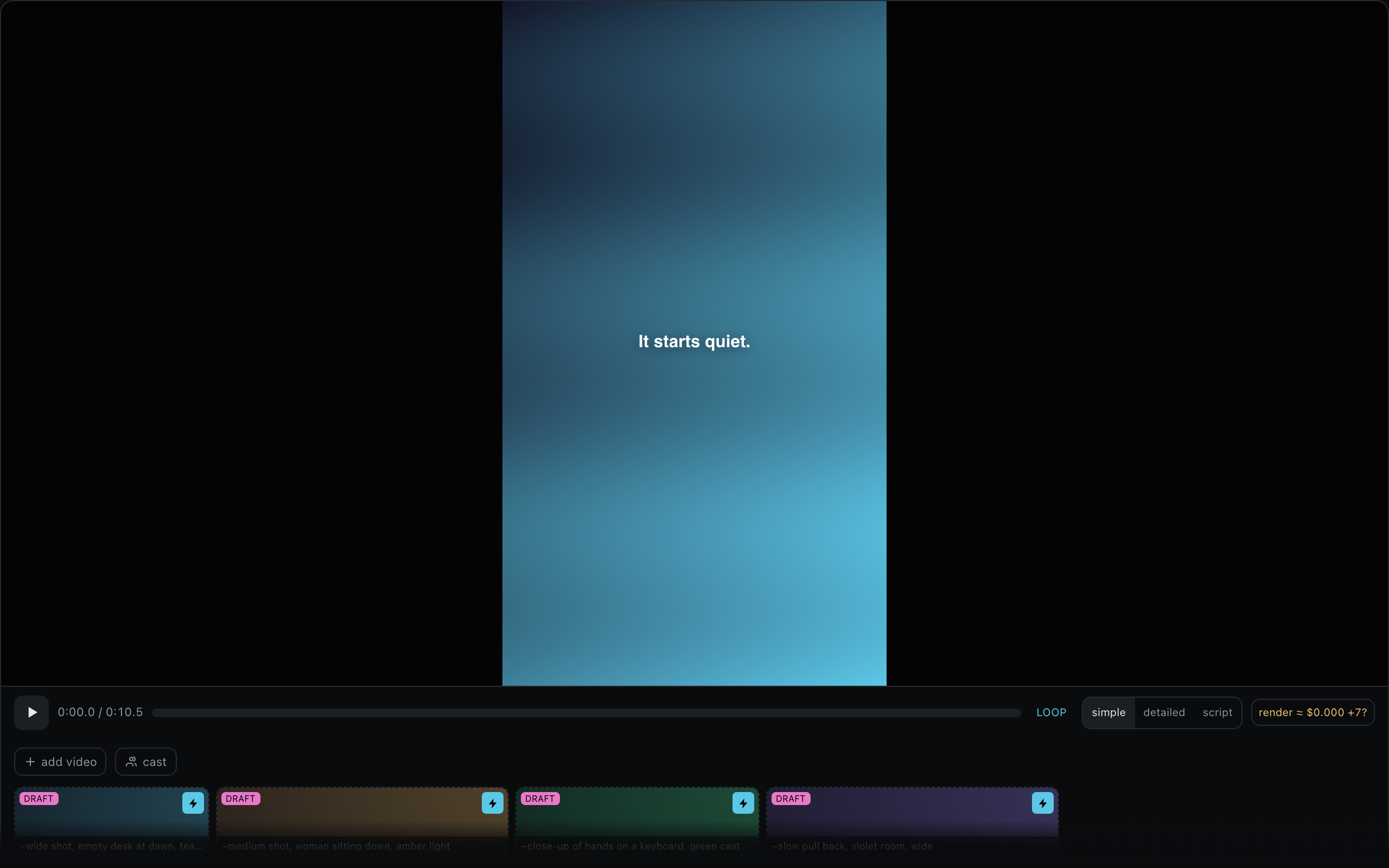
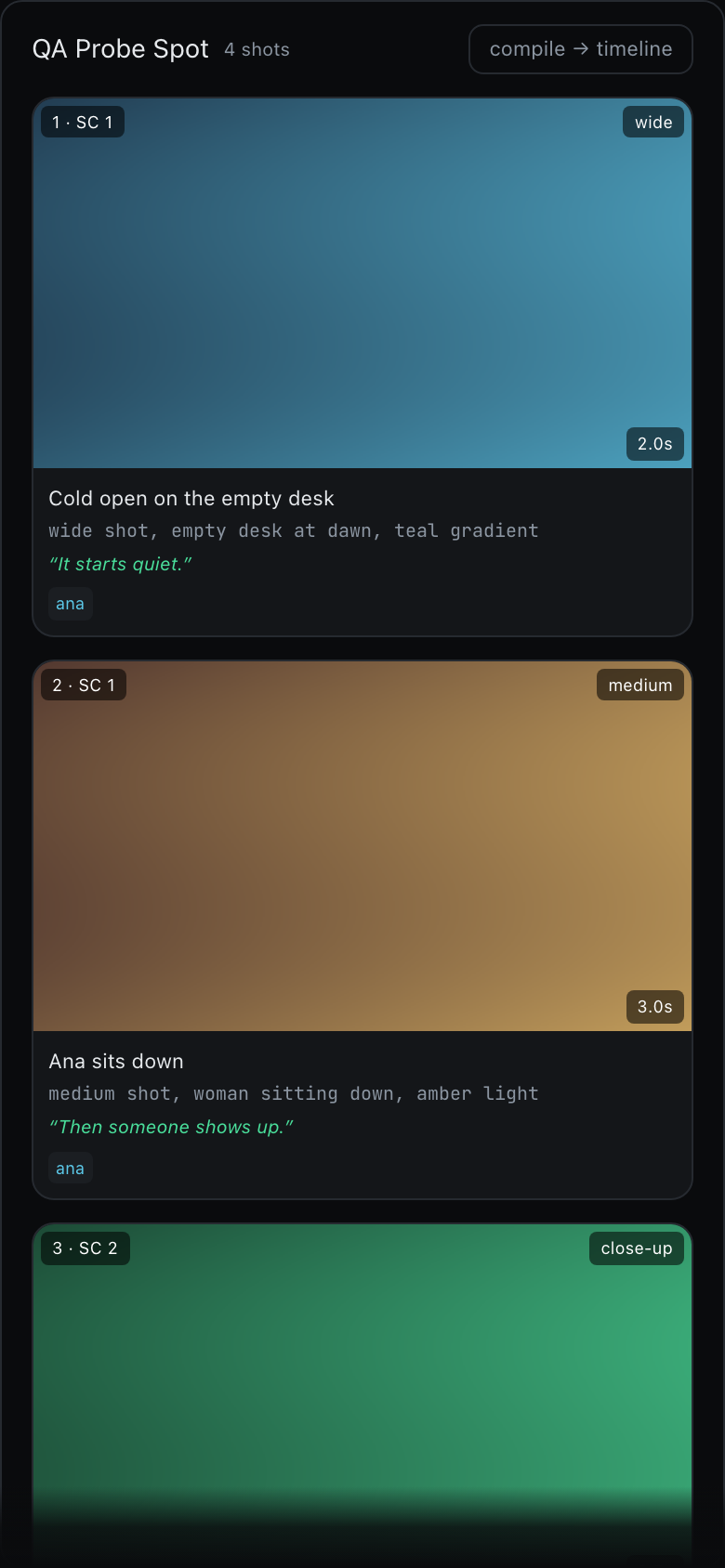
Make a video with your agent: a script, a storyboard, then a timeline you can scrub and re-cut.
Some skills drive screens that are already part of 00 — its own editors, built in. Installing one teaches your agent to use them; there is nothing to download and nothing to allow. Views: timeline, storyboard, script.
“Copy to agent” puts the whole SKILL.md on your clipboard — paste it into Claude Code, 00, Cursor, anything. “Install in 00” opens the Mac app and asks which agent should get it.
3 templates
A prompt template is the wording, not a screen: a New Session entry with blanks you fill in — a folder, a date, a few words — and the agent takes it from there.
Make a how long video about what it is about, in a the style style, using my clips and pictures. Work in three steps I can see: first write the script to projects/<name>/<name>.script.md, then a storyboard with stills in projects/<name>/<name>.storyboard.json, then the timeline as projects/<name>/<name>.mvideo.json — tell me when each one is ready so I can open it and steer before you go on.
what it is about · texthow long · selectthe style · selectmy clips and pictures · files
Write a script for a how long video about what it is about, in a the tone tone, and save it as projects/<name>/<name>.script.md — beats, voice-over lines and what is on screen for each beat. I will open it in the script view and edit with you before anything else happens.
what it is about · texthow long · selectthe tone · choice
Turn the script into a storyboard: one shot per beat with a still for each, framing and camera notes, saved as projects/<name>/<name>.storyboard.jsona look for the stills. I will open it in the storyboard view — keep, swap or reorder shots — before you build the timeline.
the script · filea look for the stills · text
Screens